
Your stream.Your stage.
A vertical streaming studio for TikTok creators on Windows.
Explore the studioComing soon for Windows
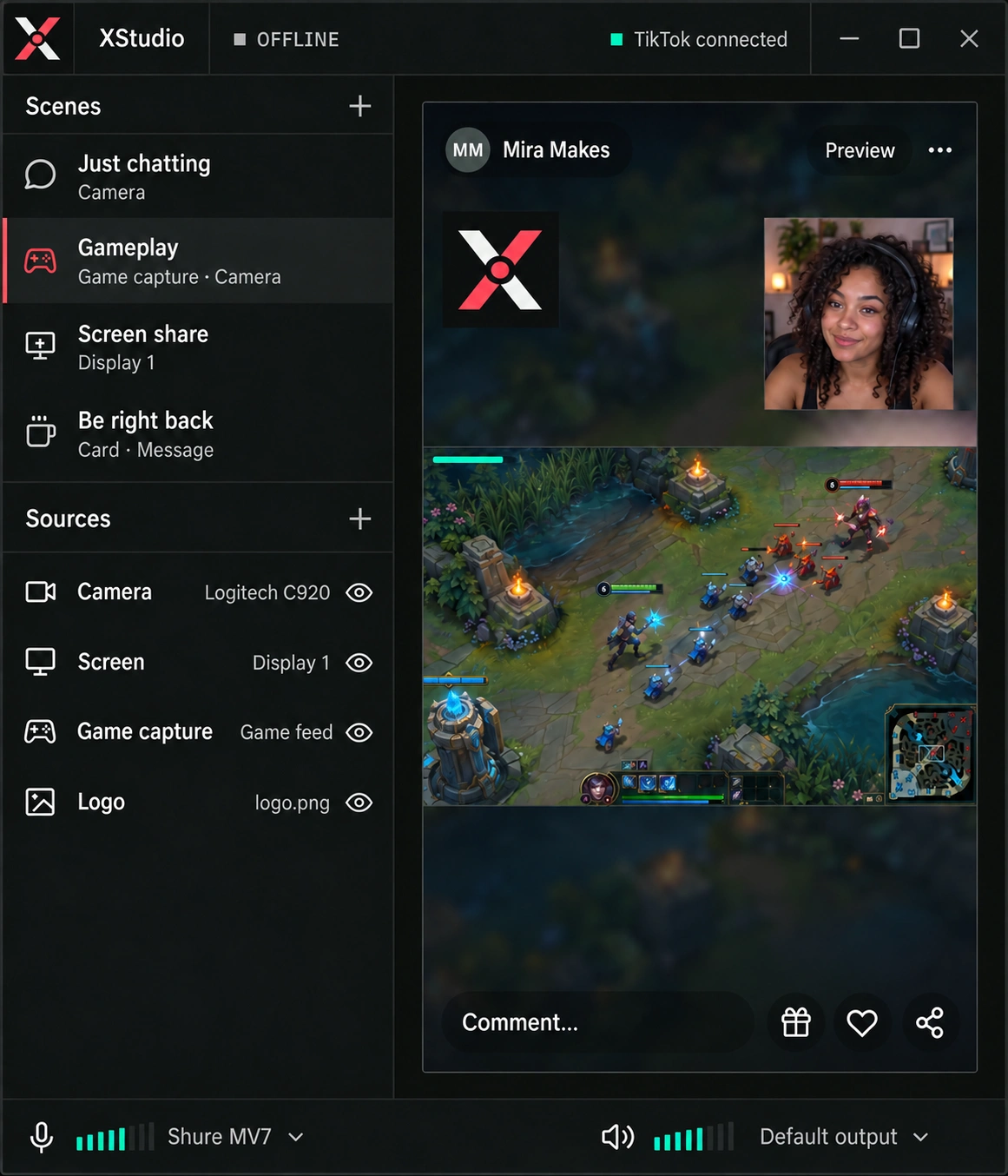
Your camera
Bring in your phone or webcam and be part of your stream.
Your gameplay
Capture your game, screen or any app — and layer it your way.
One vertical scene
Combine camera, gameplay, images and more into a single 9:16 scene for TikTok LIVE.
Product demo · simulated sources
Made for the vertical frame.
Simple but powerful tools to create, layer and compose scenes for TikTok LIVE.
Add your camera, game capture, screens, images and more — all in one place.
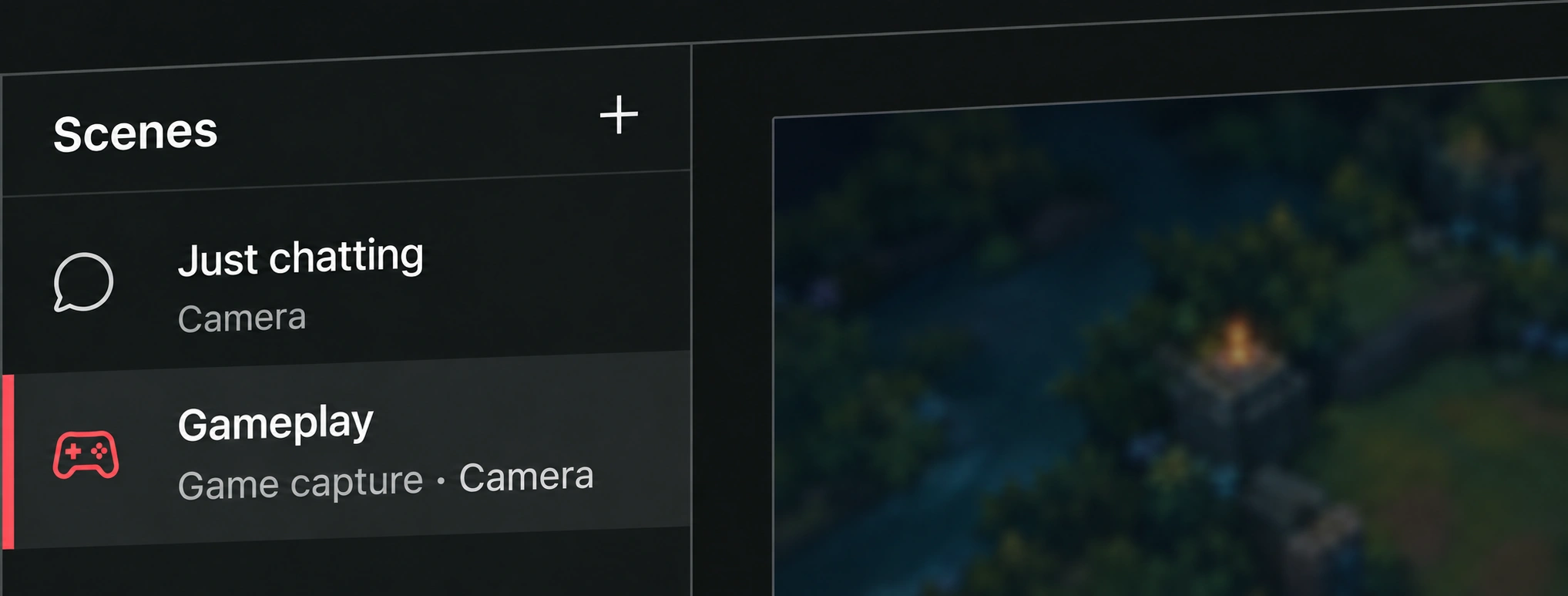
Set the scene.
Keep it yours.
- Compose your view
- Switch scenes and arrange your camera, captures, text and images on a vertical canvas.
- Keep audio in reach
- Manage your microphone and desktop audio sources from the studio’s mixer.
- Keep a local copy
- Record locally alongside your scene setup, without adding another application to the desk.
Your phone.
Another point of view.
The camera you already have, brought into your scene. Pair your phone with XStudio, then frame your shot.
Same local network. One phone. Video only.
Scan
Open Phone Camera in XStudio. Scan the QR with TikTok’s mobile Share camera feature.
Approve
Approve your phone in XStudio. No TikTok LIVE Studio desktop app needs to be running.
Frame your shot
Position the camera in your scene. Keep using your existing microphone and audio sources.
Before you ask.
When can I download XStudio?
XStudio is in development. There is no public download or announced release date yet. This page will be updated when the Windows release is ready.
Which computers will it run on?
XStudio is being built for Windows 10 and Windows 11 on x64 PCs. A macOS or Linux release has not been announced.
How does the phone camera connect?
Keep your phone and PC on the same local network. Open Phone Camera in XStudio, scan its QR code using TikTok’s mobile Share camera feature, then approve the phone in XStudio. The current version supports one phone and video only; your microphone stays a separate audio source.
Do I need TikTok LIVE Studio open?
No. XStudio’s phone-camera receiver runs independently of the TikTok LIVE Studio desktop app. The phone sends its camera through TikTok’s mobile Share camera feature.
Is XStudio an official TikTok product?
No. XStudio is an independent project, not affiliated with or endorsed by TikTok. TikTok LIVE access and account eligibility are still subject to TikTok’s requirements.
The next scene
is coming soon.
Built for Windows. Still in development.
We’re getting the studio ready for its first public release.